How is TimeSnap different from a timer app?
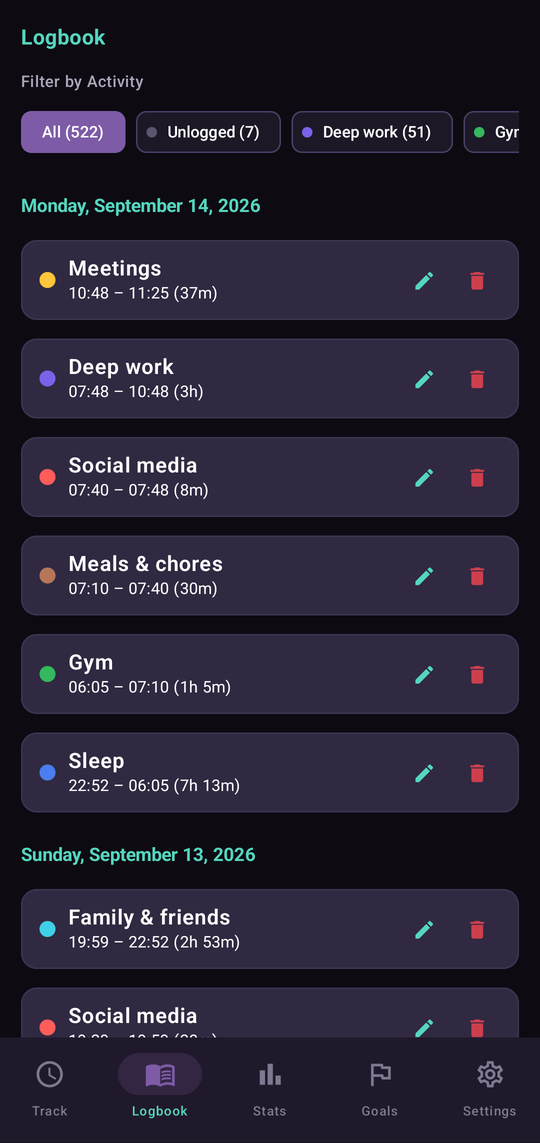
There’s no start or stop button to forget. TimeSnap remembers when you last logged your time. When you open the app, simply divide the time that’s passed between the activities you completed.
What happens if I forget to log my time?
No problem. Your time will still be waiting for you, even if it’s been a few hours. You can also set a reminder to give you a gentle nudge or tap Log later if you’re busy.
Is TimeSnap free?
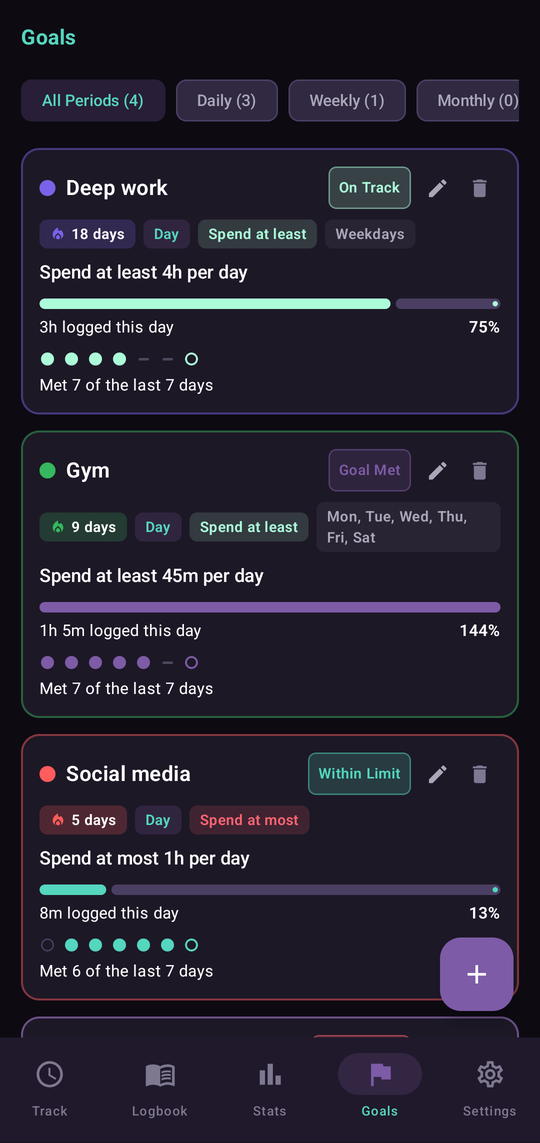
Yes. The free plan includes up to 5 activities, 1 goal, a complete logbook and local backup with no ads.
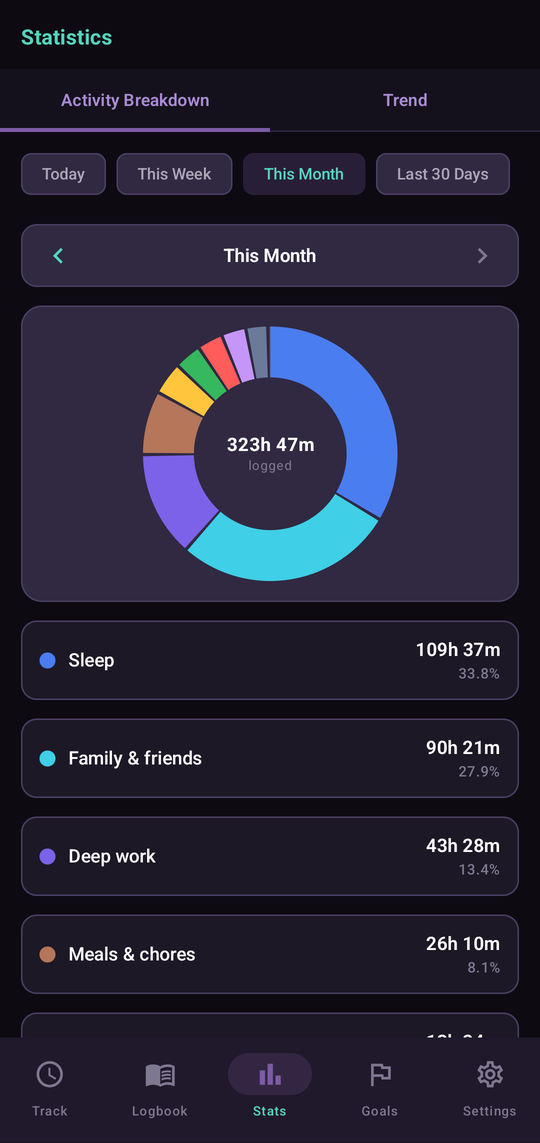
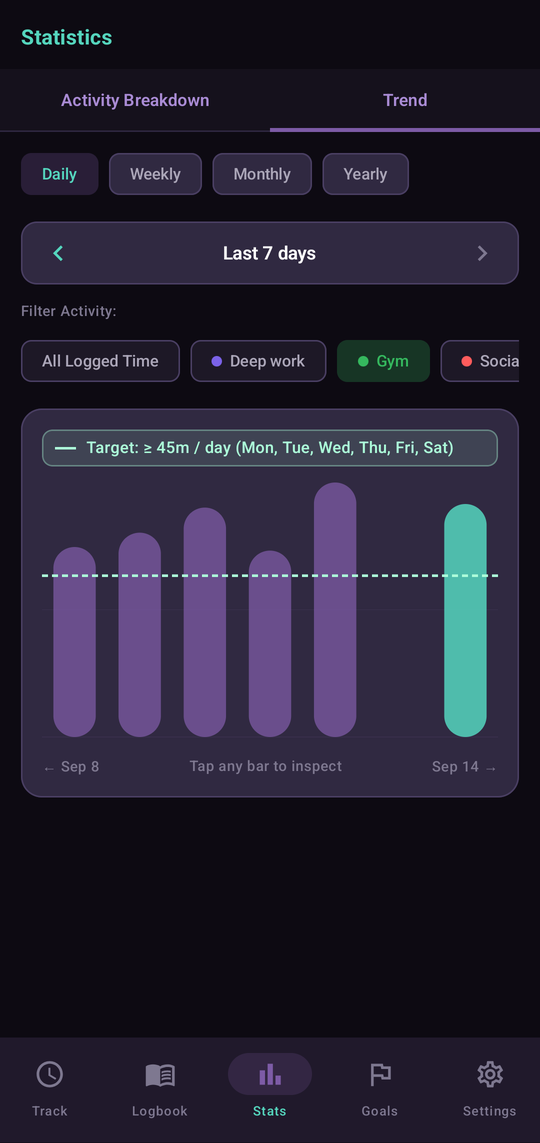
TimeSnap Pro is a one-time purchase and includes more activities, unlimited goals, statistics, widgets and Google Drive backup.
Does TimeSnap work offline?
Yes. Your data is stored on your phone, so you can track activities, manage goals and view statistics without an internet connection. If you use Google Drive backup, it will sync the next time you’re online.
Is TimeSnap available on iPhone or desktop?
Not yet. TimeSnap is currently available for Android through Google Play.
Where is my data stored?
Your data stays on your device. If you enable Google Drive backup, a copy is stored in your own Drive account. TimeSnap doesn’t use its own servers or send your personal data to us.